Agentic document extraction for your most complex files
Unstructured Transform turns PDFs, Word and PowerPoint files, scans and images into clean Markdown or structured fields. Send a document to the API and Transform decides how to read it, so there are no models or pipelines to tune.

Table Accuracy
Extracts complex tables without losing structure.
Content Accuracy
Preserves your documents as they were written.
Lowest Hallucination Rate
Keeps extracted content grounded in the source.
Documents in, structured data out.
Every document needs a different approach. Transform decides how to read each one, then returns clean Markdown or typed elements with page numbers and positions you can cite back to.

Works with













Built for the
hard files.
hard files.
Filled forms come back as fields, with handwriting and checkbox states intact. Scans with no text layer come back as clean text. Dense tables keep every row and column, even across page breaks.
How Transform works
No pipeline to configure. No AI provider to set up. No models or prompts to tune. Try it on your own files, then click Get Code for working Python, TypeScript or cURL.
- STEP 01
You send.
Upload a PDF, Word or PowerPoint file, scan or image in the web app, or send it to the API in seven lines of code.
- STEP 02
Transform decides.
It chooses what runs on each document, scanned or born-digital, using models we fine-tune specifically for document work.
- STEP 03
Files are done.
Get clean Markdown, typed elements with page positions, or just the fields you ask for, ready for your database, search index or LLM.
Use Cases

Structured Data Extraction
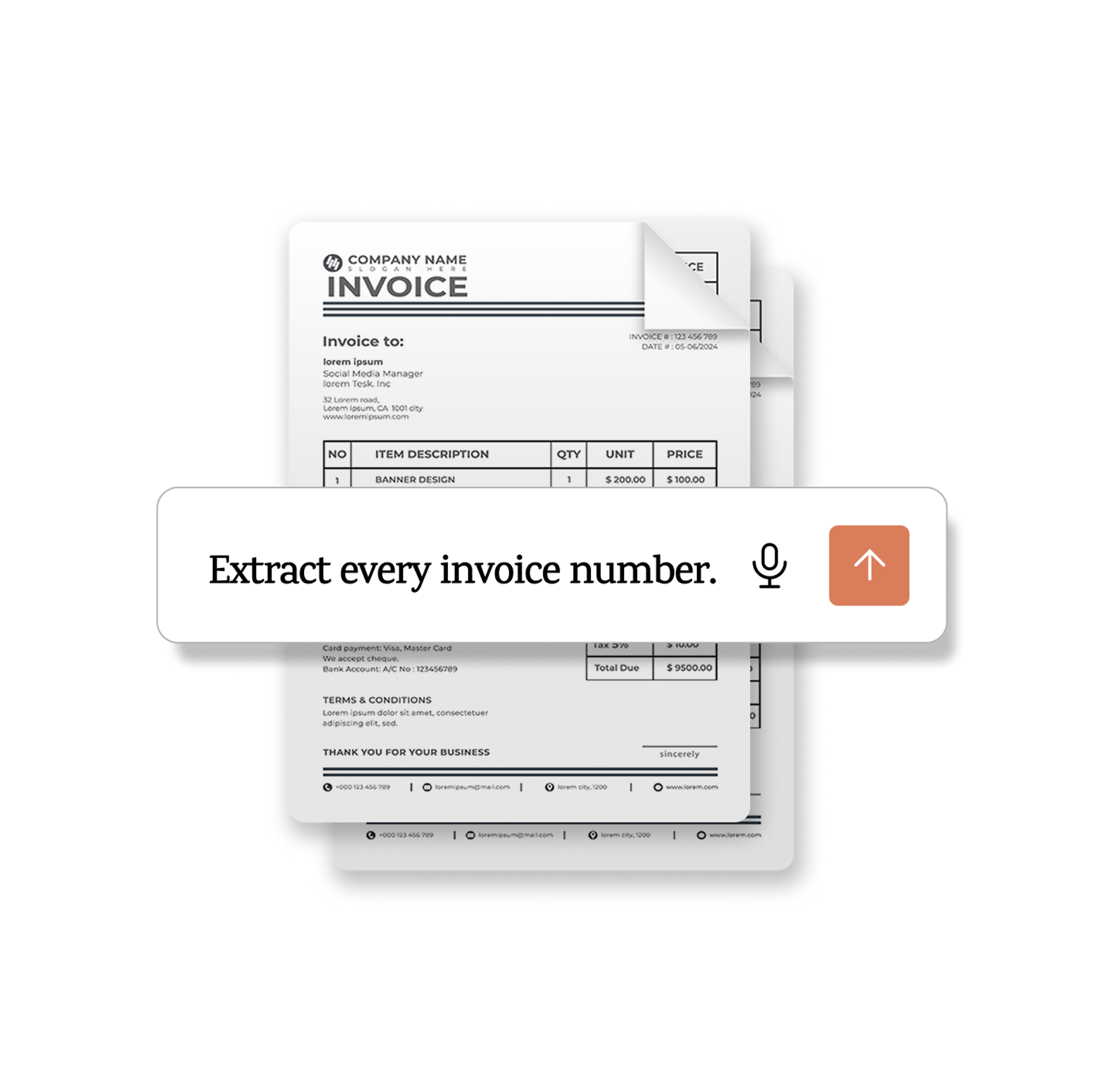
“Extract all invoice numbers from this PDF.” ”Collect all term dates from this contract.” “List every payment term in this doc.”
RAG
“Get this document RAG-ready.” “Chunk these files for semantic search.” “Prepare this PDF for embeddings.”

Agents
“Add these docs to my second brain." "Analyze these PDFs and build a report." "Research this topic across all these files."

Automation
“Turn this folder into structured data.” “Extract invoice data into a spreadsheet.” “Index these files for search.”
Start today.
Upload your own documents and see the results for yourself. Your first 10,000 pages are free, no card required.
FAQs
Answers to our most common questions around Transform.